
Read the data encoded in a licence barcode.
Convert the PDF417 barcode on an identity document into structured fields your application can use immediately.
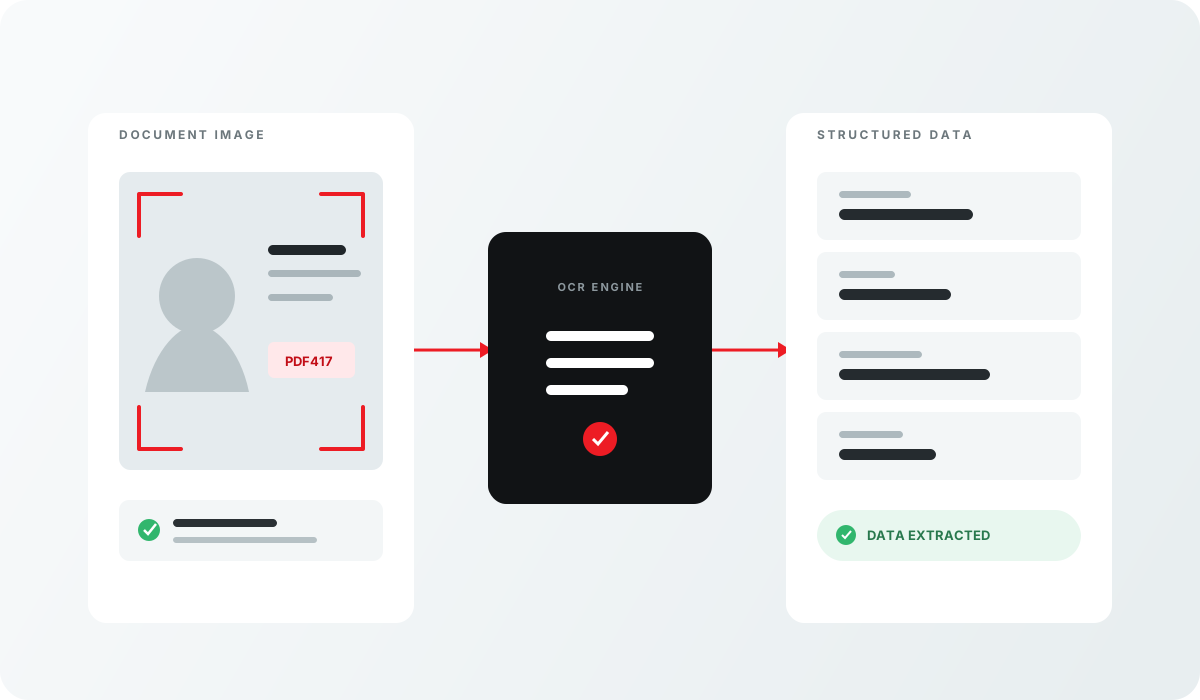
Barcode Reader API at a glance
Review the input, output and delivery options for this Acupixel module.
| Input | The PDF417 barcode on an ID. |
|---|---|
| Output | The encoded data. |
| Delivery | Cloud API |
| SKU | APX-BCR |
Why teams use Barcode Reader API
A focused capability that can stand alone or become one step in a broader Acupixel verification workflow.
From request to usable result
The module fits into the product experience your customer already uses.
Provide the input
The PDF417 barcode on an ID.
Run the module
Call the cloud service from your application and receive the module’s result back in the same connected workflow.
Use the result
The encoded data.
Related products
Combine focused Acupixel modules to build the verification workflow your product needs.
PDF417 barcode authentication
Go beyond reading a PDF417 barcode by checking whether its structure and encoded data are genuine and internally consistent.
Input The PDF417 barcode on an ID.
Output Whether it is a genuine, correctly formed and consistent barcode.OCR data capture
OCR, MRZ, VIZ and PDF417 capture, as a cloud API or a local SDK.
Input Card images.
Output An OCR reading of the document's data.
Related documentation
Review the guides and endpoint details for planning an implementation.