
Capture
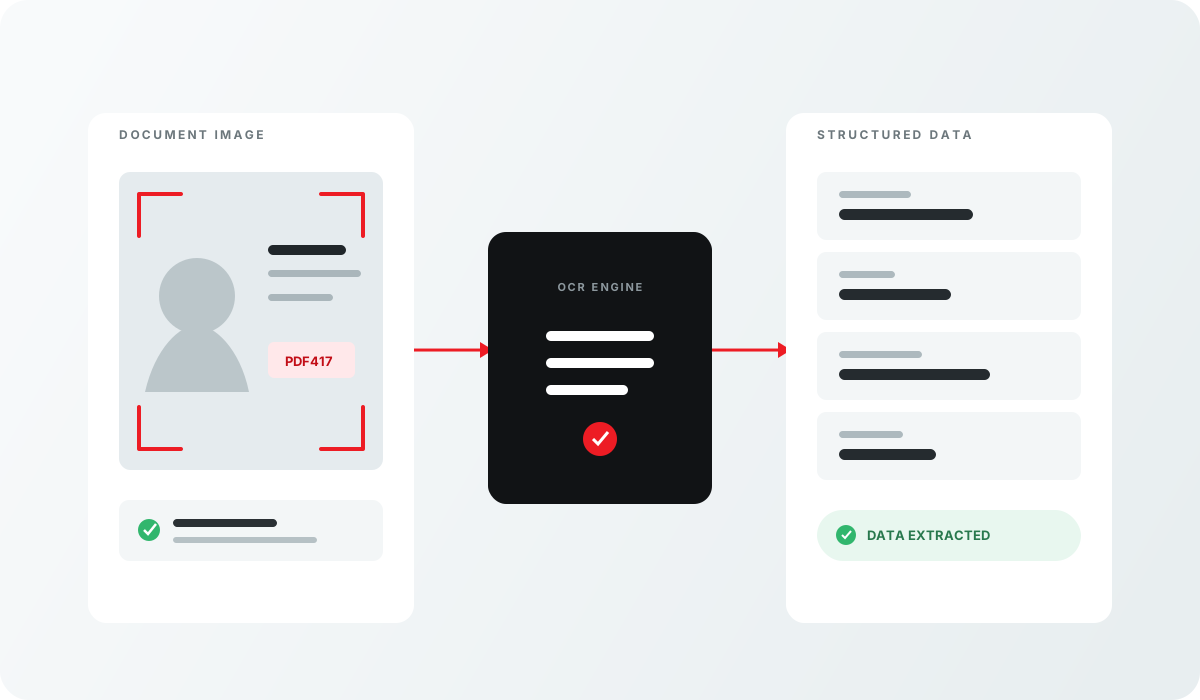
Pictures of the document, and nothing else.
For workflows that need the images but not the data.
Image-only application and SDK at a glance
Review the input, output and delivery options for this Acupixel module.
| Input | A document at the scanner. |
|---|---|
| Output | Images of the document, with nothing extracted. |
| Delivery | Local SDK |
| SKU | APX-IMAGE-ONLY |
Why teams use Image-only application and SDK
A focused capability that can stand alone or become one step in a broader Acupixel verification workflow.
From request to usable result
The module fits into the product experience your customer already uses.
Provide the input
A document at the scanner.
Run the module
Use the local SDK inside your application or device where the capture workflow already runs.
Use the result
Images of the document, with nothing extracted.
Related products
Combine focused Acupixel modules to build the verification workflow your product needs.